
 Launching your board game in multiple languages is one of the smartest ways to expand your market. When you limit your game to English only, much of the world is still left on the table and unable to access or enjoy your work.
Europe alone represents dozens of viable language regions. Add North America, Australia, and parts of Asia, and your audience multiplies fast.
When we talk to game designers interested in translating their games and manufacturing them in other languages, they often mention being nervous about certain aspects of their game’s feel and clarity being lost in translation.
However, multi-language launches don’t usually fail as a result of translation issues. Rather, they fail when it comes to file management. Often, the creative work is strong, the translation is accurate. But the production workflow breaks down under the weight of version control, as the many files that are needed for a successful production run become difficult to manage.
If you’re planning a multi-language print run, this guide will walk you through how to do it right, without expensive reprints, mismatched components, or unreadable small text.
Understand What Actually Multiplies
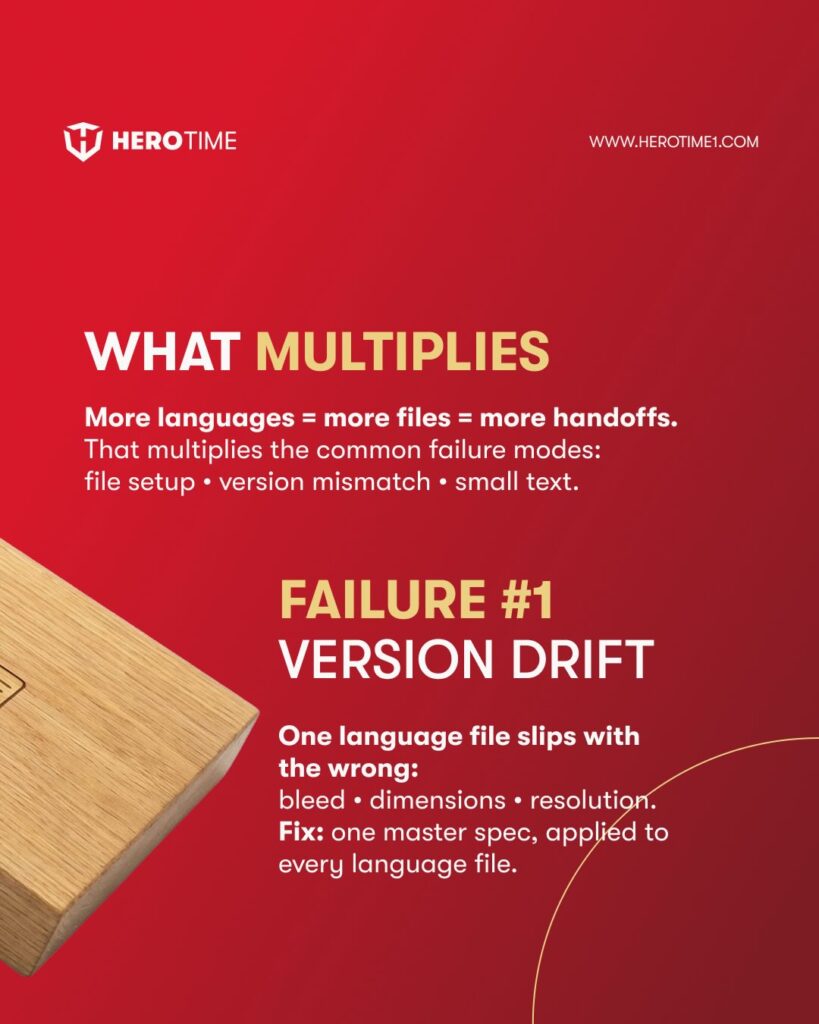
When you add languages for your game’s production run, you don’t just add text. You multiply files, hand-offs, export steps, proofing requirements, and risk. One language might mean one rulebook file, one box file, one card file, and one board file.
Now multiply this by four languages and you have four versions of each of these, meaning the game now involves 16+ production files instead of four.
Every additional file is a potential failure point:
- Incorrect bleed
- Wrong dimensions
- Outdated text
- Incorrect dielines
- Resolution issues
- Language mismatches
This means that production-related risks compound, rather than growing linearly, as your game is manufactured in more languages.
Version Drift
This is the most common multi-language production failure. One of your language files “slips” out of alignment with the master spec.
For example:
English file: 3mm bleed
German file: 2mm bleed
French file: wrong export resolution
Spanish file: slightly altered dimensions
All of these files may look nearly identical. But one file was exported from an older template, or someone changed the artboard size, or a designer adjusted the bleed setting without realizing it and the file went into production. At print time, this difference becomes an expensive error.
How to Prevent Version Drift
You can prevent version drift by creating one master specification document. This should define:
- Final dimensions
- Bleed size
- Safe zones
- Resolution requirements
- Color profile (CMYK / Pantone)
- File format requirements
- Dieline usage rules
Every language file should be built from this exact spec to prevent any version differences from affecting your game during production.
Another important step is to lock the template. Do not allow designers to independently rebuild layouts for each language. Instead, all versions of your game should originate from the same production template.
Finally, it’s important to centralize final exports. One person, or ideally one production manager, should handle final export settings for all languages to ensure consistency. Reliable, disciplined file governance means your game is far less likely to have production problems.
Language Version Mismatch
This is a subtle but scary one. With language version mismatch, everything prints perfectly. But when you open the box:
- German box exterior
- English rulebook
- French cards
- Spanish insert
Or, the rulebook is German, but it’s the previous revision of the text. When you manage multiple “almost identical” files, small mismatches can happen easily. Once printed, they can’t be fixed without reprinting your game and greatly increasing your costs.
This usually happens because:
- Designers duplicate files and rename them manually
- Multiple translators send revisions at different times
- Old versions remain in shared folders
- Naming conventions are inconsistent
- No master checklist before export
With more languages, the risk of this issue increases. One way to avoid this issue is to ensure you implement strict file naming conventions.
Avoid vague or rushed names like “Final_v2_REALFINAL.ai” and instead use a strict convention for your filenames, such as “gamename_component_language_version_date.ai”. Clear naming like this prevents silent mistakes.
It also helps to use a single version control sheet. A simple spreadsheet can track component, language, version number, translation revision, designer confirmation and the final export confirmation. If it’s not on the sheet, it doesn’t print.
Finally, use one export checklist per language. Before production approval, confirm:
- Box language matches rulebook
- Rulebook version matches translator final
- Cards match correct language
- Insert language matches exterior labeling
This sounds basic, but it prevents catastrophic mismatches that can potentially make their way into production.
Small-Type Collapse
Localization almost always increases text density. Some languages naturally expand by 15-30% compared to English. German and French are common examples, but this can happen in many regions.
When text expands, designers are often tempted to shrink the font size to make everything fit the existing layout.
On screen, this may look fine. In print, at real viewing distance, it can become a serious problem.
Players do not read your game at 200% zoom. Instead, they:
- Hold cards at arm’s length
- Read rulebooks under normal room lighting
- Glance quickly at reminder text during play
If the type is too small, too thin, or too low-contrast, the experience suffers. Players strain to read. Rules are misinterpreted. The game feels less polished than it should. This is what we call small-type collapse. It happens quietly, and it often isn’t noticed until after production.
How to Prevent Small-Type Collapse
First, treat small type as production-critical. Define minimum font sizes for rulebook body text, card reminder text, box-back descriptions, and reference sheets. Second, test at real scale. Print samples at 100% size on similar paper stock. Review them in normal lighting conditions. Do not rely only on screen previews.
Third, validate contrast. Light grey text on white may look elegant on a monitor but become difficult to read in real-world conditions. Finally, sample before mass production. Producing a pre-production sample for each language allows you to validate readability before committing to thousands of copies.
Handoff Noise
As you add languages, you also add more people into the workflow. This can include:
- Translators
- Editors
- Graphic designers
- Project managers
- Prepress technicians
Every additional handoff increases the chance of miscommunication. The wrong file might be attached to an email. An outdated version might be used for export. A small but important revision might not make it into the final file.
This is not a reflection of anyone’s skill — it’s just what happens when complexity increases for any type of project. The solution isn’t to rely on memory or informal communication, but to build a structured workflow.
Run a Workflow, Not a Gamble
Multi-language manufacturing should follow a predictable system. First, lock the production spec before translation begins. Finalize dielines, dimensions, bleed, typography standards, and layout structure. If you change layouts mid-translation, you introduce unnecessary risk.
Second, insert translated text into approved templates. Do not rebuild layouts from scratch for each language. If text overflows, adjust spacing, hierarchy, or layout thoughtfully rather than shrinking fonts arbitrarily.
Third, centralize version control. Maintain one master spreadsheet, one naming convention, and one clearly defined export process. The more languages involved, the more valuable this discipline becomes.
Fourth, produce physical samples for each language version. Check the readability, component alignment, color consistency and language accuracy across all components. Sampling lets you validate the real, printed product rather than relying solely on digital files.
Only after all versions are confirmed should you move into full production.
Regional Compliance Considerations
When manufacturing for multiple regions, language is not the only factor. Different markets may require:
- Specific age warnings
- CE or other regulatory markings
- Country-specific legal text
- Barcode variations
These elements should be planned into your packaging layout from the beginning. Adding them late in the process increases the risk of layout changes that can disrupt other language files.
Contact Us About Your Multi-Language Game
Multi-language game manufacturing projects rarely fail because of translation quality. They fail because file governance becomes complex and unmanaged.
If you’re interested in manufacturing your game in multiple languages, we can help you with the entire process, from verifying your artwork is ready for production to manufacturing and shipping your game.
Contact us now to request a quote for your game, or to ask our team about any aspect of the manufacturing process.
